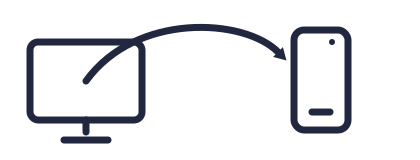
Send screenshots from your computer to your device instantly. No account signups.
pixbeam is the fastest way to take, sync, and share your screenshots across all your devices — no cables, no fuss.


pixbeam is the fastest way to take, sync, and share your screenshots across all your devices — no cables, no fuss.
Install the free pixbeam desktop app.
Get the pixbeam mobile app.


Pair your phone with your PC and start capturing.